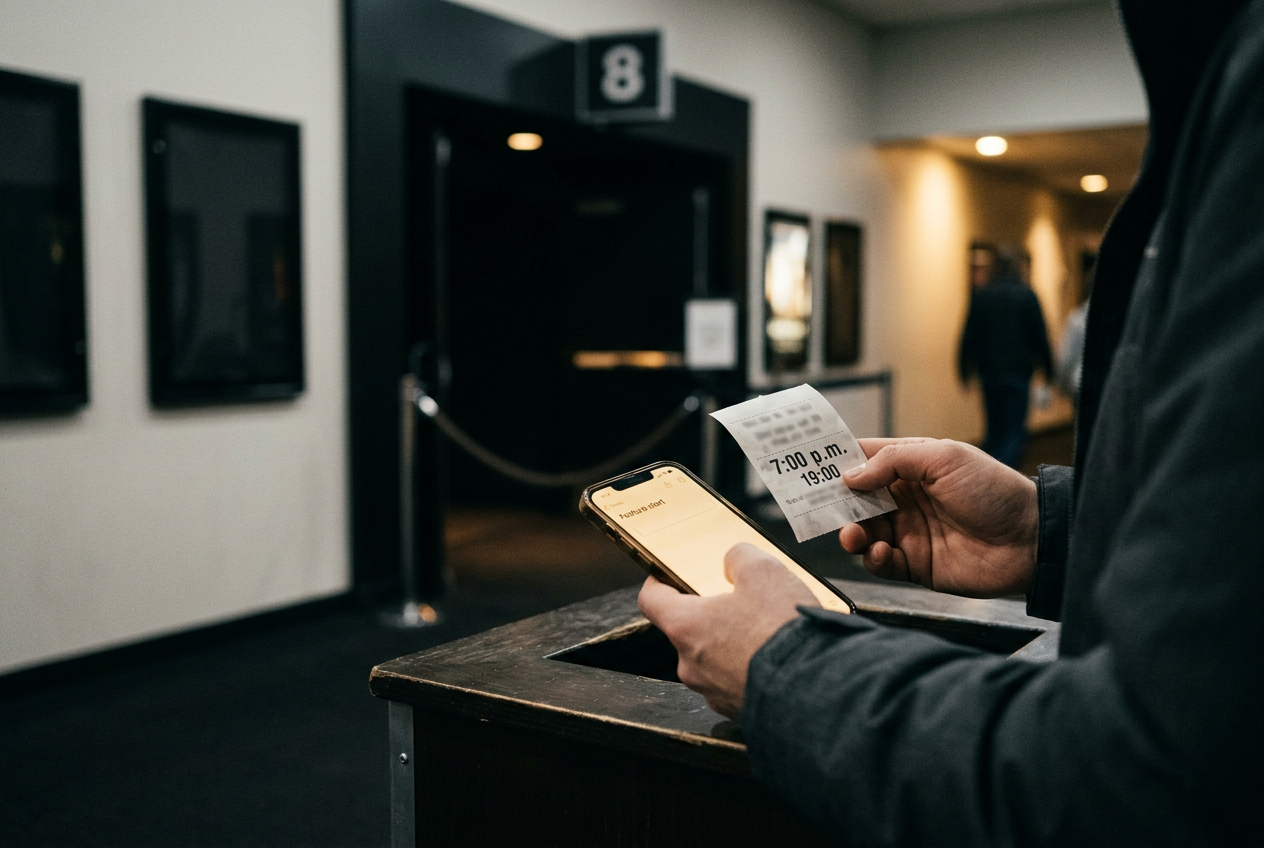
CaptiView Sits Low. Rear-Window Captions Overlay the Screen.
New Jersey theaters may offer either device, and the viewing position is different. Reserve ahead, arrive early and check the first spoken line.
Cinema · August 21, 2026 · 8 min read

This is cinema coverage. Both systems provide closed captions, meaning text that only the device user can see, but they put that text in different parts of your vision. The practical choice comes down to whether you prefer looking slightly below the movie or reading words reflected over part of the screen.
The first spoken line after the studio logos is the key check. Preshow ads and trailers are not a reliable test because they may lack compatible caption data, even when the feature is captioned. If that first line passes with no text, the device needs attention immediately.
CaptiView sits between you and the screen
A CaptiView unit has a small rectangular display attached to a bendable arm. Its base goes into the seat’s cupholder, and the screen receives synchronized caption text for the assigned auditorium. You bend the arm until the words sit near the bottom of your view.
That position is adjustable, but it takes work. Place the display too low and every line requires a noticeable downward glance. Set it too high and the black housing blocks part of the image. A useful starting point is just below the bottom edge of the movie screen, then slightly higher if reading causes you to lose faces or cuts.
Seat location changes the result. From the front rows, the movie screen already fills more of your vertical vision, so placing the caption display beneath it can create a large gap between picture and text. Farther back, the device and screen can be brought closer together visually, although the exact angle depends on the auditorium’s rake and the length of the arm.
The display occupies a cupholder for the whole feature. If the seat has only one, plan to keep a drink elsewhere or ask whether the adjacent holder can be used without inconveniencing another guest. Check that the arm stays put after you release it. A display that slowly droops during trailers is likely to keep moving once the feature begins.
CaptiView is usually the less intrusive choice for viewers who do not want text laid over the image. It can be harder for someone who finds repeated shifts between near text and a distant screen tiring, especially during fast dialogue or scenes cut around several speakers.
Rear-window captions sit over the image
Rear-window captioning uses a clear reflective panel on an adjustable arm. The panel catches reversed caption text from an electronic display at the back of the auditorium, making the words appear correctly oriented to the viewer while other patrons see no captions.
The panel also fits into a cupholder. Instead of placing it below the screen, you angle it until the reflected words appear over a comfortable part of the movie image, usually around the lower portion. Move the panel a little and the caption position moves with it.
This keeps text and action in roughly the same field of view, which can help during a dense exchange. The tradeoff is physical overlap. The panel has edges, catches some ambient light and remains visible through the movie, while the reflected words may cover faces, production design or conventional subtitles if positioned too high.
Rear-window systems can also depend more heavily on seat and auditorium geometry. The panel needs a clear path to the caption display behind the audience, so a device offered at the theater may not work equally well from every seat. Before settling in, confirm that staff gave you a compatible seat or that your reserved location has been approved for the system.
Use the first spoken line as the final alignment check. If the text appears but sits outside the movie screen, tilt the panel rather than twisting your body or accepting an awkward reading angle for the next two hours.
Request the device from the exact theater
An online showtime marked “CC” generally means closed-caption equipment should be available. It does not tell you whether the location uses CaptiView, rear-window captioning or another personal device, and it does not guarantee that enough working units remain for a busy screening. “OC” or “open caption” means the words appear on the main screen for everyone and no personal caption device is needed.
Contact the exact New Jersey location before buying a ticket if the device determines whether you can attend. Ask which system serves the chosen showtime, whether it works in that auditorium and where it must be collected. Availability can differ within one multiplex because screens may use different equipment.
Reserve the device if the theater accepts reservations. If it does not, arrive early enough to collect one, reach the seat and return to the desk without missing the feature. The theater may distribute equipment through the box office, guest services or a manager, so the general instruction on a chain’s accessibility page may not match that building’s lobby setup.
At pickup, give staff the movie, showtime and auditorium number. Ask them to confirm that the unit is assigned or tuned to that auditorium. A powered device can still show nothing if it is set for another screen.
Also ask where to return it and whether the location has a sign-out rule. Policies vary. Do not wait until the room goes dark to inspect the base, arm and display surface, since a loose joint or heavily marked panel is easier to spot under lobby lighting.
Run these checks before the feature
Start with the seat. Push the base fully into the cupholder and move the arm through the range you need, without forcing a stiff joint. For CaptiView, make sure the display faces you squarely and remains readable without blocking the screen. For rear-window captions, angle the panel toward the rear caption source until reflected text or a test pattern appears.
Next, check power and status. The exact controls vary, so use the theater’s instructions rather than holding buttons at random. If the unit appears inactive, ask staff to turn it on or exchange it while the auditorium lights are still up.
Then let the preshow run. Captioned trailer text is useful when it appears, but an empty device during an ad does not prove failure. The decisive moment is still the first spoken line of the feature. The words should arrive close enough to the dialogue that you can follow the exchange without mentally rebuilding its order; occasional descriptions of music or sound effects should also appear when supplied by the movie’s caption track.
If the first line appears, refine the position once and leave it alone. Repeatedly moving the device during a scene costs attention and can disturb a neighboring viewer.
Troubleshoot in this order
When no captions appear after feature dialogue begins, first verify the simple mismatch: check the auditorium number on the ticket and make sure staff configured the device for that room. This matters in a multiplex where several captioned features are playing at once.
For CaptiView, confirm that the display is powered and facing you, then reseat the base if the unit or arm has shifted. Do not assume brightness is the problem when the screen is blank. A blank display may indicate that the device is not receiving the feature’s caption track.
For rear-window captions, adjust the panel through small angles while keeping its reflective face directed toward the rear display. If text appears only when you lean far out of a normal seated position, the seat may be incompatible or the panel may need replacement. Do not spend the opening scene holding it by hand.
If those checks fail, take the device and ticket to staff. State that feature dialogue has begun, identify the auditorium and ask for a tested replacement or a corrected auditorium setting. If another person can alert staff while the viewer remains seated, that saves the time required to navigate a dark room and then rebuild the device position.
After a replacement arrives, use the next spoken line rather than waiting through several minutes of music or silent action. If the second unit also fails, ask staff to verify that captions are running for the presentation itself. At that point, changing seats may help a rear-window system, but it will not fix missing caption data or a CaptiView receiver assigned to the wrong auditorium.
Choose based on where you want the words
Pick CaptiView when keeping text off the image matters most and you can tolerate a small downward eye movement. Choose rear-window captions when you need dialogue closer to the action and can accept a clear panel over part of the picture.
Neither option is worth leaving to the first spoken line without preparation. The useful sequence is short: confirm the system with the location, collect it early, secure it in the cupholder and establish a comfortable sightline before the feature starts.
Questions people ask
Does a
CC showtime mean captions will appear on the movie screen?
No. CC usually indicates closed captions delivered through personal equipment, so only the device user sees them. Look for an OC or open-caption label when you want text printed directly on the main screen for the whole audience.
Can
I reserve a CaptiView or rear-window device with my ticket?
That depends on the individual theater. Contact the exact location and ask it to hold the device for your movie, showtime and auditorium. If reservations are unavailable, arrive early because a caption label does not show how many working units the building has.
Why is the caption device blank during trailers?
Some ads or trailers may not carry compatible caption information. Keep the device powered and positioned, then check the first spoken line after the feature begins. If dialogue starts without text, confirm the auditorium setting and request a replacement rather than waiting through the opening scene.
Which device is better for a long movie?
CaptiView keeps words off the image but can require repeated shifts between near text and the distant screen. Rear-window captions keep both closer together, though the panel overlaps the picture. The better choice is the one you can position comfortably without holding or readjusting it.
One update a day
Today's review, in your inbox
One review each morning — no hype, no filler, just what is worth watching.