Fix Quiet TV Dialogue Before Turning On Subtitles
A repeatable scene from Dune can reveal whether your room, audio format or TV processing is burying speech. Start with the free fixes, then decide how much of the mix you are willing to flatten.
Streaming · August 11, 2026 · 8 min read
This guide names the nighttime attack on Arrakeen in Dune (2021), a major set piece, but does not discuss its outcome.
The useful test is not a menu tone or a news broadcast. It is a scene that moves between low voices and room-shaking effects, which is why Dune’s Arrakeen attack works as a repeatable reference: dialogue arrives amid warning sounds and low-frequency machinery, then the sequence opens into explosions and aircraft. In an apartment late at night, that spread can turn the remote into part of the performance. Volume rises for speech, drops for impact, then rises again.
That spread is dynamic range, the distance between the quietest and loudest sounds in a mix. It can preserve scale and tension in a theater or a capable home setup. It can also become impractical when a television is across the room, its speakers point downward, and the next apartment shares a wall.
This is streaming coverage in the practical sense. The aim is not to correct the filmmakers’ choices or promise theatrical sound from a thin television; it is to find which part of the home-viewing chain is losing dialogue, then make the smallest adjustment that fixes it.
Start with the audio track, not the volume
Open the streaming app’s language and audio menu while the Dune sequence is paused. If the app offers both stereo and a surround option such as 5.1, use the track that matches the equipment rather than the one that appears more advanced.
A television using only its built-in speakers may handle a 5.1 stream correctly, but it still has to perform a downmix, the conversion of multiple surround channels into fewer speakers. Dialogue usually sits heavily in the center channel, the speaker position assigned to voices and other sounds anchored to the screen. A poor downmix can leave that information quieter than music and effects.
Switch from 5.1 to stereo if the app permits it, then replay the same exchange before the attack expands. A clear improvement points toward format handling rather than the mix itself. Keep stereo for that app or title.
There is little value in preserving a surround label when the room contains two small speakers.
The reverse applies to a real 3.1, 5.1 or larger system. If a receiver or soundbar has a dedicated center speaker, give it the multichannel track and confirm that the source device is not locked to stereo.
Apple TV, Roku, Fire TV, Google TV devices and game consoles describe these controls differently, so look for an audio-format setting rather than copying a menu path from another device.
Remove processing before adding more processing
Televisions often arrive with sound modes named Movie, Cinema, AI, Adaptive or Virtual Surround. Those labels reveal little about what happens to the signal. Some widen the apparent soundstage by shifting timing and frequency emphasis between speakers; on a narrow TV, that can make effects feel broader while voices lose their firm position at the screen.
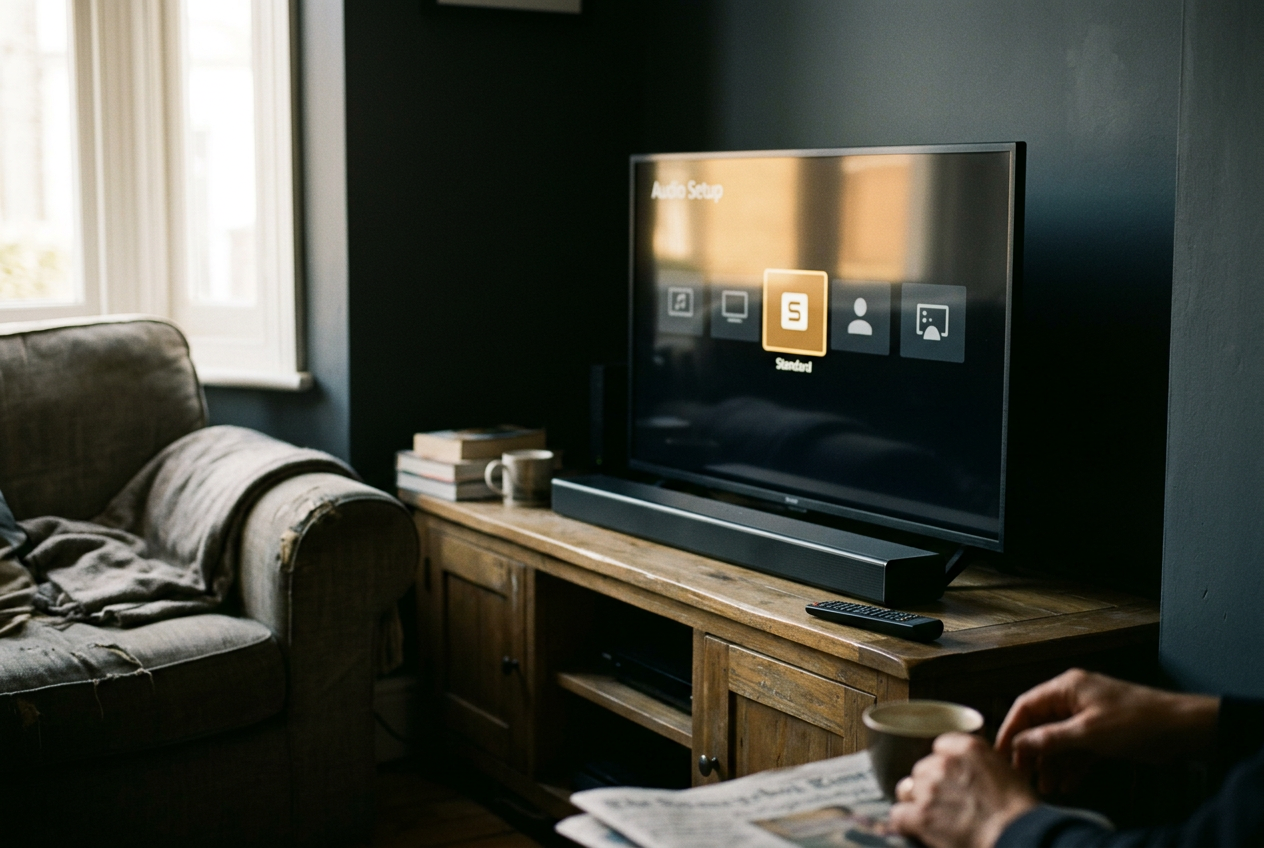
Choose Standard or the least processed mode and replay the Dune passage at the same volume. Turn off virtual surround for this comparison. Also disable any stadium, 3D or room-expansion option. The point is not that every enhancement is bad, but that stacking several makes diagnosis impossible, especially when the television, streaming box and soundbar are each altering the same track.
If Standard restores the low dialogue without making the attack brittle, stop there. A setting that sounds impressive during an explosion may still fail the scene if it obscures the warning spoken seconds earlier.
Check how the signal reaches the soundbar
A soundbar introduces another menu and, sometimes, another conversion. If it connects through HDMI ARC or eARC, the television can send audio back through the same HDMI connection used for picture; eARC is the newer version with support for higher-bandwidth formats. Optical connections remain useful, though they support fewer format combinations.
Set the TV’s digital audio output to Pass Through or Auto when a capable soundbar should decode the track. Pass Through sends the incoming format onward with minimal alteration. If dialogue disappears or the soundbar reports an unexpected format, try PCM, a decoded digital audio signal that televisions commonly output as stereo. PCM may sacrifice surround information on some setups, but it is a valuable diagnostic step: if voices return, the fault lies in format negotiation or decoding, not in the actors’ delivery.
Do not change four menus at once. Adjust the TV output, replay the same minute of Dune, then restore it before trying the source device. This costs a little time, yet it prevents a common outcome in which speech improves and nobody knows whether the soundbar’s dialogue mode, the television’s leveling or a newly selected stereo track did the work.
Owners of soundbars with a center-level control should raise that channel by one small step, then compare. This targets screen-centered material more directly than raising the master volume. Large boosts can make voices sound detached from the room and exaggerate narration, so the useful setting may differ between a dense film mix and an ordinary sitcom.
Use dialogue enhancement before night mode
Dialogue enhancement usually emphasizes the center channel or the frequency range where speech carries much of its intelligibility. Its exact behavior varies by manufacturer. At a restrained setting, it can clarify consonants without reducing every explosion to the same apparent size as a conversation.
Try the lowest available level during the quiet portion of the Arrakeen sequence. Listen for whether words become easier to follow without voices turning thin, sharp or unnaturally forward. If the option has Low, Medium and High positions, there is no prize for reaching High. The setting earns its place when the remote stays on the table and the scene still has depth.
An equalizer can offer a rougher version of this adjustment. Reduce heavy bass slightly if it masks speech, particularly on a soundbar placed close to a wall, and make only a modest lift through the middle frequencies if the controls allow it. Raising treble indiscriminately tends to add hiss and harsh consonants rather than recover missing dialogue.
Night mode works, but it changes the scene
Night mode applies dynamic-range compression, which brings quiet and loud sounds closer together. This directly addresses the late-evening Dune problem: speech becomes more reachable at a moderate volume, while the attack no longer jumps as far above it.
That tradeoff is useful, not neutral. Compression can reduce the force of a cut from restrained conversation to large-scale destruction, and sustained music may feel less spacious because the system keeps pulling levels toward a narrower band. In a sleeping household or a room with thin walls, that is often the correct bargain. During daytime viewing on a capable system, it may flatten more than necessary.
Volume leveling or auto volume goes further on many devices. It tries to keep perceived loudness consistent across scenes, apps or commercials, depending on the product. Use it when the main problem is constant remote riding across an evening of mixed content. For a single film, dialogue enhancement or a small center-channel lift usually preserves more of the intended contrast.
The room can defeat the right setting
Built-in TV speakers need open space. A cabinet lip, fabric cover or pile of objects directly beneath the screen can block drivers that fire downward. Moving the television or clearing that edge may do more than another software mode.
A soundbar should sit near the front of the furniture rather than deep inside a shelf, where reflections can blur the frequencies that distinguish words. Keep its center aligned with the screen. If it has a separate subwoofer, lowering that unit by a small amount can help when low effects dominate the room, though it will not restore dialogue information lost in a bad downmix.
Distance matters too. A large reflective room asks more from compact speakers, while hard floors and bare walls can smear quick speech through repeated reflections. A rug or curtains may reduce that effect, but buying acoustic treatment for ordinary streaming is rarely the first sensible move. Confirm the track, output format and sound mode first.
Return once more to Dune. The goal is not to make the quiet warning and the attack equally loud. It is to understand the warning without bracing for the next impact or reaching for the remote.
Keep subtitles as a choice, not a repair bill
Subtitles remain the most reliable way to follow unfamiliar names, whispered delivery or dialogue in a noisy room. They also redirect attention toward the lower part of the frame, which matters in a film that often communicates scale through composition and movement rather than exposition.
If stereo selection, Standard mode and a low dialogue boost fail, subtitles cost nothing and work immediately. Hardware may still be worth considering when the problem appears across every app and disc. A basic soundbar can improve speaker direction and separation, while a model with a dedicated center channel gives dialogue its own physical source; neither purchase can guarantee clarity if the source device keeps sending the wrong format.
Spend only after the repeatable comparison. If Dune’s low exchange is clear in one app but buried in another, new speakers are unlikely to solve an app-specific track or device setting. If every source sounds muffled even at close range, the television’s speakers have probably reached their limit.
Questions people ask
Should
I choose stereo or 5.1 for clearer dialogue?
Choose the format that matches the speakers. Stereo is often the cleaner option for built-in TV speakers because it avoids an unnecessary surround downmix. A soundbar or receiver with a dedicated center channel should usually receive 5.1, provided the television and streaming device pass that format correctly.
Does night mode ruin movie sound?
Night mode narrows the gap between quiet speech and loud effects, so it reduces some impact and scale. That is an intentional compromise rather than a fault. Use it for late viewing, shared walls or sleeping households; switch it off when the room and volume allow the film’s wider dynamic range.
Is a dialogue-enhancement setting better than subtitles?
They solve different problems. Dialogue enhancement can make speech clearer while preserving your attention on the image, but strong settings may make voices harsh or detached. Subtitles guarantee access to the words and remain preferable for unfamiliar terminology, accents or noisy rooms, even after the audio setup is working properly.
Will a soundbar fix quiet dialogue on every streaming app?
No. A soundbar with a center channel can improve voice placement, but it cannot correct every app’s available track or a source device sending an unsuitable format. Test stereo against 5.1 and check the television’s output first.
Buy hardware when dialogue remains weak across several sources, not after one difficult scene.
One update a day
Today's review, in your inbox
One review each morning — no hype, no filler, just what is worth watching.