
My Drama Subscriptions Do Not Replace Every Coin Unlock
My Drama sells recurring access and coins side by side. Before subscribing, check which catalog the offer covers, then cancel through the store that billed you.
Streaming · August 11, 2026 · 7 min read
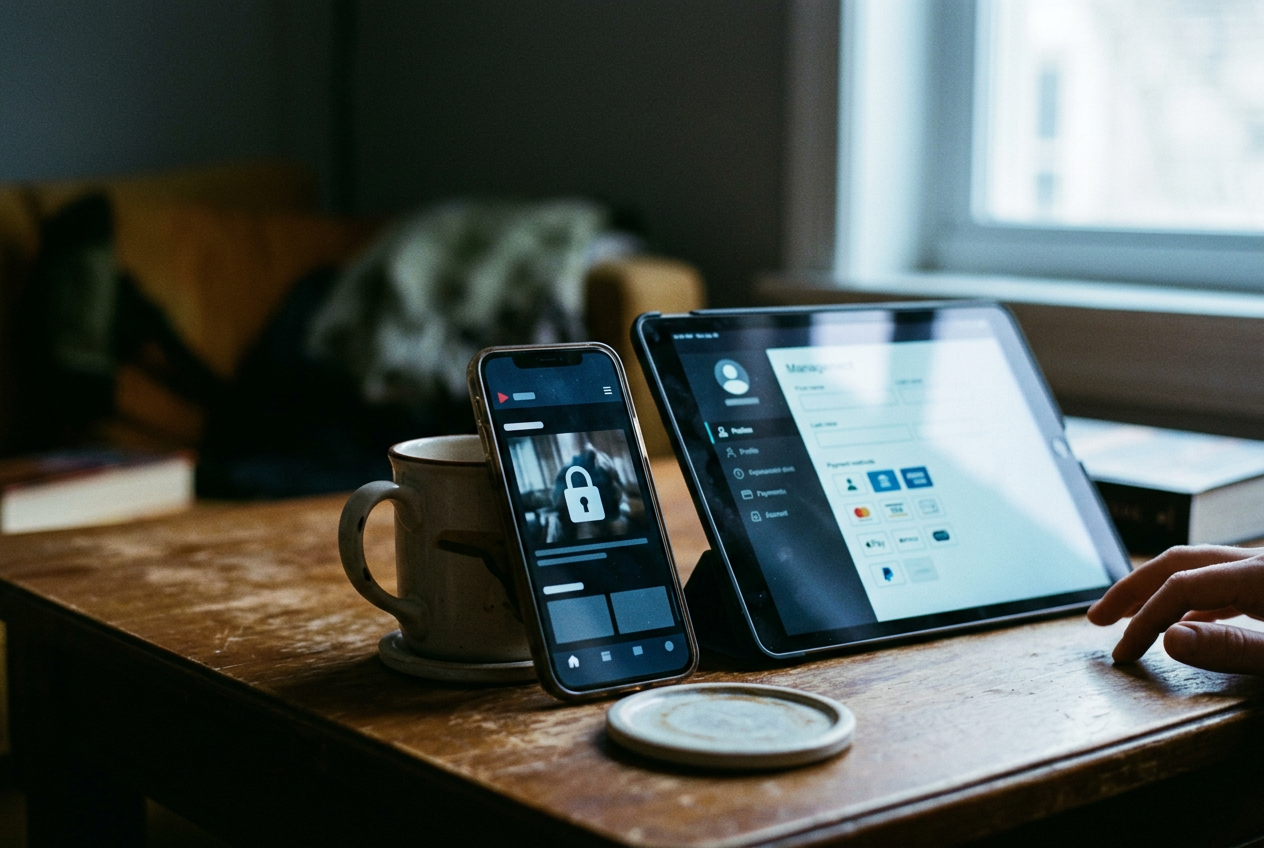
This is streaming coverage, specifically the short-form corner where a micro-drama, meaning a vertical series told in one-to-two-minute episodes, can turn a cliffhanger into a checkout prompt before a conventional TV episode has finished its opening scene.
For My Drama, the concrete thing to inspect is that prompt: the lock screen placed between the episode you have finished and the one carrying the payoff. If it offers coins, a subscription should not be assumed to remove it. If it offers recurring access, the exact wording on that screen matters more than a promotional headline elsewhere in the app.
That sounds fussy. It is also the difference between buying access and buying the impression of access.
The subscription is an entitlement, not a master key
My Drama’s public storefront materials present subscriptions alongside coin purchases rather than describing one universal, all-inclusive payment. An auto-renewing subscription, meaning a plan that charges again at the end of each billing period until canceled, grants the benefits attached to the particular offer shown at checkout.
The difficult word is “particular.” Plan names, billing periods, introductory offers and included access can vary by platform, market or promotion, while an app update can change the screen faster than a search result changes its summary. A discounted offer shown to one iPhone user should not be treated as the standing Android price, and neither screen proves what a returning subscriber will see.
My Drama’s public materials do not establish one global promise that every subscription unlocks every episode in the catalog. The safer reading is narrower: a subscription covers the content or features identified by that plan, for as long as the entitlement remains active. If the purchase sheet names a catalog, access tier or other limit, that qualifier is doing real work.
Return to the episode lock. Before confirming a subscription, read the benefit line immediately above the platform’s payment button and look for language describing which stories or episodes are included. A broad phrase such as premium access still needs to be read with any nearby restrictions; it should not be silently upgraded in the reader’s head to “all present and future episodes.” The phone will not honor the more generous version imagined during a cliffhanger.
Screenshots in an app listing are useful for learning how My Drama presents itself, but they are not a personal quote. The checkout sheet tied to the account is the controlling practical reference for price, renewal period and trial terms, subject to the store’s terms and the app’s own documentation.
Coins run on a separate track
Coins are a consumable in-app purchase, meaning units bought or earned and then spent inside the app rather than recurring access that renews on a schedule. My Drama lists coin purchases separately from subscriptions, which is the clearest warning against treating the two as interchangeable.
A locked episode carrying a coin price can therefore require another unlock even while a subscription is active, particularly when that episode or series sits outside the catalog covered by the plan. The same applies when the subscription language promises a defined benefit but says nothing about replacing coin charges. Silence is not an unlock mechanic.
This arrangement fits the pacing of vertical drama rather too well. Episodes are short, the reveal is deferred, and the lock arrives at the point where stopping feels less attractive than spending a small internal currency whose dollar value is no longer visible on the episode card. The craft may lie in the hook, but the transaction design gets the final cut.
A coin balance also should not be read as proof that a subscription is failing. The systems can coexist: recurring access may cover one set of material while coins remain available for separately priced episodes. Conversely, buying coins does not create an ongoing subscription unless the platform’s confirmation sheet expressly identifies a recurring charge.
That lock screen remains the useful test. If the next episode asks for coins after a subscription purchase, first compare it with the plan’s included-content wording rather than buying a second product immediately. If the episode appears to fall within the promised access, use My Drama’s support route and keep the receipt. Apple and Google can show that payment occurred; the app publisher is generally the party that can inspect whether the in-app entitlement reached the account correctly.
Work out the value before the cliffhanger
The subscription-value calculation needs two counts: how many series you expect to watch during one billing period, and how many of their locked episodes the plan explicitly includes. Counting total episodes without checking the second number flatters the offer.
Start with the story already in progress. Open its locked episode before subscribing and note whether My Drama presents a subscription route, a coin price or both. Then inspect the subscription offer’s renewal period and included access. If the plan covers that story and several others you will begin soon, recurring access may be cleaner than repeated coin purchases.
If the episode remains coin-only, the subscription has not solved the immediate problem.
Trials need the same reading. A free or discounted introductory period can become a paid renewal under the terms displayed by Apple or Google, and eligibility may depend on prior use of the offer. The relevant amount is the regular recurring charge shown on the confirmation sheet, not merely the first charge highlighted in larger type.
Do not estimate value from the catalog’s apparent size alone. Micro-drama libraries can look deep because every story is divided into many tiny episodes, while the useful unit for a paying viewer is a completed series with its final turn included. A plan that opens numerous beginnings but leaves desired endings behind coin locks may still be poor value, even though the app can accurately claim a substantial volume of available video.
Cancel on iPhone where Apple keeps subscriptions
If Apple billed the subscription, cancellation is handled through the Apple Account used for the purchase. On an iPhone, open Settings, tap your name, choose Subscriptions, select My Drama and use the cancellation option shown there. Apple may display an expiration date rather than a cancel button when renewal is already off.
Deleting My Drama does not cancel an Apple subscription. Removing an app and stopping its billing are separate actions, a distinction that feels obvious only after someone has paid for an icon no longer on the phone.
If My Drama does not appear, check the Apple receipt to identify the account and transaction. A different Apple Account may have made the purchase, or the charge may have come through another seller. Apple’s subscription screen manages Apple-billed plans; it cannot cancel a transaction that was not made through Apple.
Cancellation usually stops the next renewal rather than erasing access at once, with the subscription screen showing the applicable end date. Refund requests are separate from cancellation and follow Apple’s process and eligibility rules.
Cancel on Android through Google Play
For a Google Play purchase, open the Play Store, tap the profile icon, choose Payments & subscriptions, then Subscriptions. Select My Drama and follow the cancellation steps. Google Play should show the subscription status and the date attached to the current access period.
Uninstalling the Android app does not stop recurring billing. Nor does signing out of My Drama necessarily alter a Google Play subscription, because the store account holds the billing relationship while the app account receives the access.
When the plan is missing, check which Google Account is active in Play and compare it with the purchase receipt. If the receipt names another payment provider, follow that provider’s management route instead of repeatedly searching Google Play. The seller named on the receipt is the shortest path through this particular maze.
After canceling, keep the confirmation and reopen the subscription page to verify that the next renewal is off. Then return, one last time, to the locked episode. Finish anything the plan still includes before the displayed access end date; do not assume separately bought coins disappear or become refundable merely because recurring billing has stopped.
Questions people ask
Does a
My Drama subscription unlock every episode?
My Drama’s public materials do not support treating every subscription as a universal catalog pass. Read the included-access language on your own offer, and expect an episode carrying a separate coin price to remain outside the plan unless the checkout terms say otherwise.
Why am I seeing a coin lock while subscribed?
The subscription and coin system can cover different content. Compare the locked episode with the plan description; if the story appears included, contact My Drama support with the purchase receipt rather than assuming that another coin payment is required.
How do I cancel My Drama on an iPhone?
Open iPhone Settings, tap your name, select Subscriptions and choose My Drama. Use the cancellation option shown there; if no option appears, Apple may already show an expiration date, or the purchase may belong to another account or payment provider.
Does deleting My Drama cancel it on Android?
No. For a Google Play subscription, open the Play Store and go to the profile menu, Payments & subscriptions, then Subscriptions and My Drama. Confirm afterward that renewal is off, because uninstalling the app removes the software but leaves the store’s billing instruction alone.
One update a day
Today's review, in your inbox
One review each morning — no hype, no filler, just what is worth watching.


