Mute Spoilers on TikTok, YouTube, Reddit and X Before You Watch
Keyword mutes catch text, not thumbnails, speech or recommendation spillover. Here is a platform-by-platform setup for the gap between a major release and your own screening.
August 11, 2026 · 8 min read
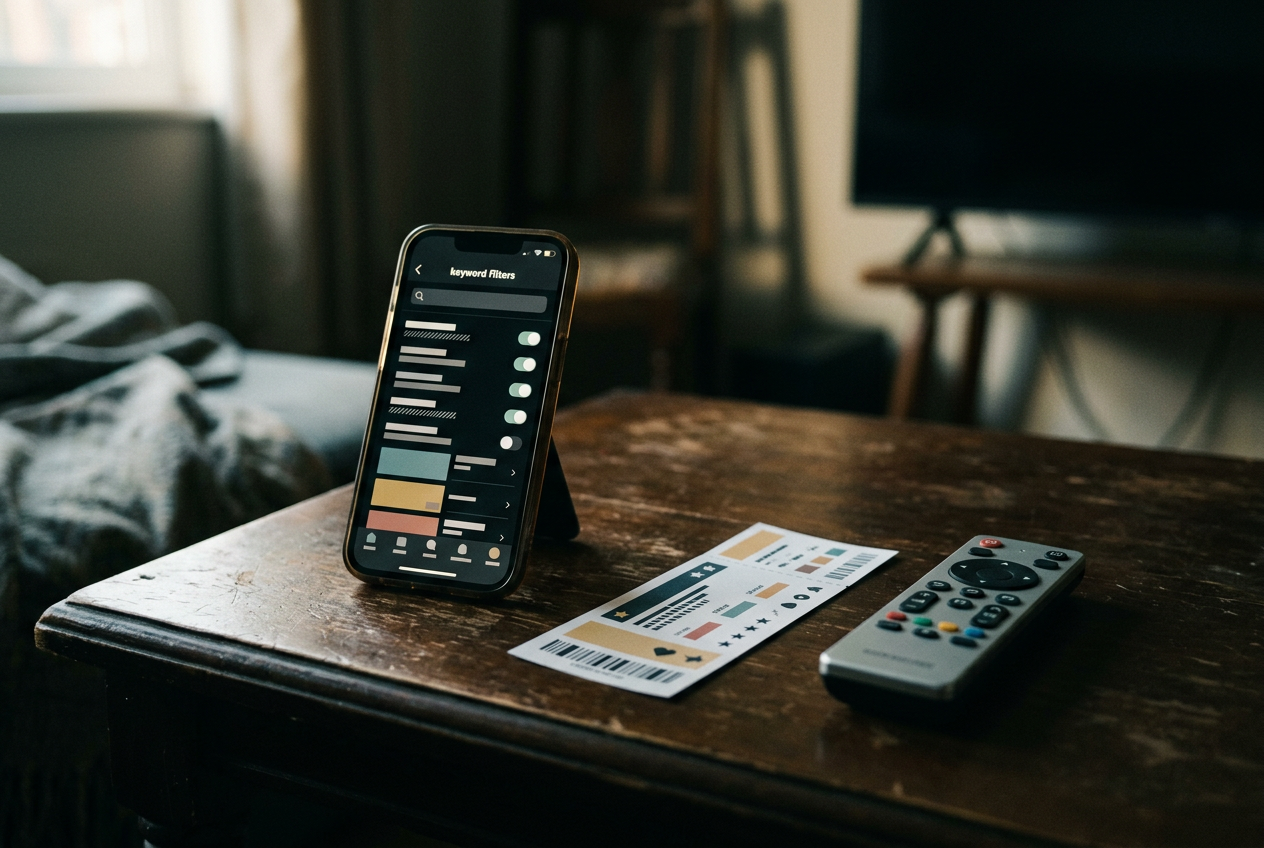
The awkward interval begins when a major release opens on Friday and your ticket is for Sunday. Consider Dune: Part Two: Paul’s first sandworm ride was part of the film’s marketing, but a thumbnail showing how that sequence develops could still flatten one of its carefully staged escalations before you reach the theater.
This guide contains no plot spoilers beyond that advertised premise. The same setup works for a streaming finale that drops before a busy weekend, so this belongs to both cinema and streaming coverage: the threat changes from a multiplex reaction video to an episode recap, while the platforms distribute both through the same feeds.
No platform offers a reliable spoiler switch. TikTok and X have keyword controls, Reddit can mute communities, and YouTube lets viewers push away channels and recommendations, yet every system has a gap large enough for that sandworm image to pass through. A useful setup needs layers.
Start with the terms most likely to travel
Before changing any feed, make a small release-specific word bank. Start with the full title and its common abbreviation, then add distinctive character names, the franchise name, prominent cast members and phrases attached to the release. For Dune: Part Two, a viewer could include “Dune,” “Dune 2,” “Paul Atreides,” “Muad’Dib” and “sandworm.” Add misspellings only when they appear often enough to matter.
The point is coverage, not volume. Muting “ending,” “death” or “twist” may hide unrelated entertainment posts for days without catching a clip labeled only with a character’s name. Broad terms also make it harder to notice whether the control is working, because the feed changes in ways that have little to do with the release.
Set the words before the first public screenings if possible. Recommendation systems learn from pauses and replays, so lingering on one harmless cast interview can invite more aggressive material later, when recap accounts and fan edits have begun packaging individual scenes.
TikTok can filter captions, not every frame
TikTok places its main protection under Settings and privacy, then Content preferences and Filter video keywords. Menu wording can vary between app versions. Add the release terms and apply them to the available feeds. TikTok also offers a smart-filter option in some versions, using semantic matching, meaning it attempts to catch related forms rather than requiring one exact spelling.
That is the strongest native starting point among the four platforms, but TikTok’s basic unit is still a video that begins playing before a viewer has assessed it. A spoiler can arrive as text baked into an image, a line spoken without a useful caption, or the first frame of an edit whose description contains none of the muted words. Paul can already be standing on the sandworm before the post gives TikTok enough text to associate the clip with Dune.
Use Not interested on adjacent material rather than watching long enough to inspect it. That action supplies negative feedback, a signal telling the recommendation system to reduce similar posts, although it does not guarantee removal. Manage topics can turn down broad entertainment categories, but it is a blunt adjustment and may take time to alter the For You feed. Refresh your For You feed is more drastic; it resets recommendations broadly and is poor value for a spoiler window lasting one weekend.
Following a creator does not make the Following feed safe. Fan accounts can post clips, entertainment outlets can put outcomes in on-screen text, and comments beneath a spoiler-free interview may discuss the ending. During the short danger period, open known profiles directly and avoid comment panels. TikTok’s keyword layer lowers the number of traps.
It does not make autoplay benign.
YouTube needs behavior changes because it lacks a keyword mute
YouTube has no native, sitewide field for blocking every video containing a chosen release term. Its useful controls sit on individual recommendations: open the menu beside a video and choose Not interested, or use Don’t recommend channel when an account repeatedly publishes spoiler-heavy thumbnails. The second option is stronger for recap channels, but neither command blocks matching videos from search results or every other surface.
Watch history matters more here than many temporary fixes. A search for cast interviews, trailer breakdowns or format comparisons can tell YouTube that the release is timely for that account, after which the Home page and Up Next panel may fill with analysis. Viewers can remove relevant searches and watched items through YouTube history, or pause watch and search history until they have seen the film or episode. Turning history off may also reduce the usefulness of Home recommendations, which is an acceptable trade for a short interval but irritating as a permanent arrangement.
The failure point is the thumbnail. A title might say only “that scene explained,” while the image reveals the location, surviving characters or final costume. For the Dune: Part Two stress case, even a video ostensibly about large-format photography could use a late image from the sandworm sequence. YouTube cannot retract the frame after it has loaded.
Turn off autoplay, use the Subscriptions feed for channels with restrained packaging, and reach a specific video through a saved link when possible. Shorts deserve extra caution because they inherit the same rapid-feed problem as TikTok while offering no keyword wall. Browser extensions can hide titles or thumbnails on desktop, but they are third-party tools with changing permissions and uneven mobile support, rather than a substitute for YouTube controls.
Reddit controls communities better than subjects
Reddit can mute a community from its menu, which helps when a franchise subreddit, leaks forum or general movie community is likely to dominate Home recommendations. Also disable home-feed recommendations in account settings during the release window. Together, those changes reduce posts from communities you never joined and remove a known source from routine browsing.
The mute applies to the community, not to every mention of its subject. Search can still surface the material, a direct visit still works, and a crosspost, meaning a post republished into another community, can carry the same revealing title elsewhere. A broad television or box-office community might discuss a streaming finale or opening-weekend scene even if the dedicated fandom forum has been muted.
Reddit’s safest temporary shape is a Home feed limited to deliberately joined communities, with entertainment notifications turned off and volatile communities muted. Avoid Popular and broad searches until after viewing. Leaving a subreddit is unnecessary when the risk lasts two days, but disabling its notifications matters because a push alert can place an unhidden post title on the lock screen.
There is no dependable native, sitewide Reddit keyword mute comparable to X’s control. Some third-party browsing tools have offered filters, though availability and support vary. Community muting is therefore the dependable unit: block the likely source, then narrow the surfaces where neighboring sources can appear.
X has the clearest word mute and predictable holes
Under Settings and privacy, open Privacy and safety, then Mute and block and Muted words. Add the title, character names, hashtags and distinctive phrases separately. X lets users choose where the mute applies, which accounts it covers and how long it lasts. For release-week protection, apply it to the Home timeline and notifications, include posts from anyone, and choose a duration that extends beyond the planned screening.
Muted words work best when the spoiler is stated in post text. They do not reliably protect against an unlabeled image, words embedded inside that image, or a video whose visible frame carries the revelation. Search is also outside the safe zone: deliberately searching the title can surface posts containing muted terms. Explore and trending modules may package the subject differently enough to escape the original phrase list.
Account-level muting closes another gap. Mute entertainment aggregators, fan-edit accounts and people live-posting the release, even if they are normally useful follows. Replies are risky because a restrained original post can attract an explicit response from an unmuted account. The sandworm sequence can disappear from the main timeline under a “Dune” mute and return as an unlabeled reaction image below a cinematography post.
X’s duration setting makes this layer easier to reverse than YouTube feedback. Use it. A permanent mute for a temporary delay creates forgotten gaps in the timeline long after the ticket has been scanned.
Build the stack around the time you need
A practical release-week setup takes one pass through each app. Add precise words on TikTok and X. Mute likely communities on Reddit and recurring thumbnail offenders on YouTube. Then reduce recommendation inputs by pausing YouTube history, avoiding title searches and refusing to linger on adjacent clips.
Lock-screen notifications need their own pass because platform filters cannot protect text already selected for a push alert. Disable previews or entertainment-app notifications until viewing. This is especially useful for a streaming finale, where an official account may publish episode material within hours and a group-chat reply can sit beside it.
The last layer is route choice. Open a saved YouTube video rather than the Home page, visit a specific Reddit community rather than Popular, and use direct messages on X without browsing Explore. On TikTok, there is no equally clean corridor once the app opens into a recommended video, so the strongest option during the final few hours may be skipping that app rather than resetting its entire recommendation profile.
After viewing, remove release-specific keywords and restore paused history. Keep account or channel mutes when they exposed a packaging habit you no longer want. The layered setup has then done something avoidance advice cannot: it preserves useful parts of each service while protecting the particular interval between Friday’s uploads and Sunday’s sandworm ride.
Questions people ask
Can
TikTok keyword filters block spoilers shown only in a video?
No. The filters can use available text and related terms, but a revealing first frame, spoken line or image without useful metadata may pass through. Combine title and character filters with Not interested, avoid comments, and limit For You browsing close to the screening.
Does YouTube have a spoiler keyword mute?
YouTube does not offer a native sitewide keyword mute. Remove release-related items from watch and search history, pause history temporarily, turn off autoplay, and use Don’t recommend channel for accounts that put revealing material in thumbnails.
Will muting a subreddit hide every post about a release?
No. It reduces material from that community in routine feeds, but direct visits, searches and posts in neighboring communities can still reveal the subject. Disable home-feed recommendations and avoid Popular, then mute the specific communities most likely to discuss the release without warning.
When should I turn spoiler filters off again?
Remove release-specific words after watching so normal recommendations can recover. Temporary X mutes can expire automatically, while TikTok filters and Reddit community mutes need a manual return visit. Restore YouTube history only after the searches and thumbnails you were avoiding are no longer a problem.
One update a day
Today's review, in your inbox
One review each morning — no hype, no filler, just what is worth watching.