
Vertical-Drama Apps Still Make TV Casting a Gamble
ReelShort, DramaBox and their rivals sell long runs of tiny episodes, but none makes television playback a safe assumption. Check the casting route before buying another coin bundle.
Streaming · August 11, 2026 · 8 min read
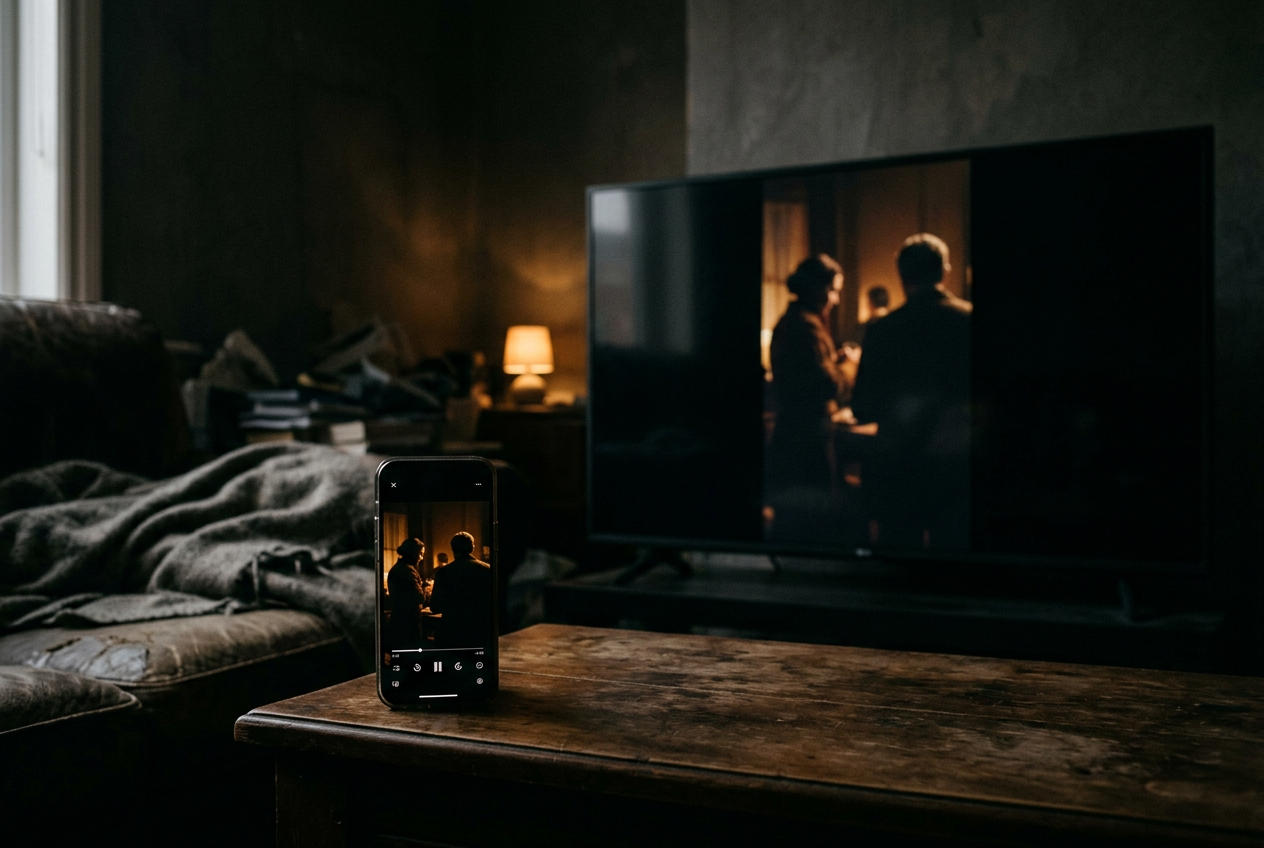
This is streaming coverage, specifically the awkward moment when a micro-drama, meaning a vertical series told in one-to-two-minute episodes, stops feeling like a quick phone diversion. Ten episodes become 30. The plot adds an amnesia reveal, an inheritance dispute and somebody staring at a laboratory result. The viewer has paid enough to want a sofa.
The concrete problem is the portrait rectangle in the middle of a 16:9 television. Keep that rectangle intact and the picture gets large black sidebars. Enlarge it to fill the television and foreheads, captions or both can disappear. Rotate it and everyone lies sideways.
A television can make the image bigger; it cannot turn footage composed for 9:16 into widescreen footage that was never recorded.
No story spoilers follow. The practical finding is less exciting than the app stores would prefer: among major services including ReelShort, DramaBox, ShortMax, GoodShort and NetShort, viewers should not assume that buying episodes also buys a dependable television experience. Their safest common route is operating-system screen mirroring, not a universal in-app Cast button with television-native playback.
What counts as casting here
Native casting sends the video stream to a television or receiver while the phone becomes a remote. Screen mirroring copies the phone display onto the larger screen, including its orientation, notifications and on-screen controls. The two methods may look similar for the first few seconds, but they behave differently once an episode ends or the app inserts an unlock prompt.
A native Cast or AirPlay video button is the better route. The television handles playback, the phone can sleep, and incoming messages need not appear above the billionaire’s contractual marriage. Captions still require the app to send a compatible subtitle track, however, and vertical framing remains vertical unless the receiving app has its own layout.
Mirroring is the fallback shared by iPhones and many Android phones. It preserves the phone’s portrait composition because it reproduces the whole display, which usually keeps burned-in captions, meaning words embedded directly in the picture, exactly where the editor put them. It also leaves every meaningful control on the phone. Pause, seek, episode selection and coin prompts do not migrate to the television remote.
That distinction decides whether finishing a paid run is practical. One mirrored episode is fine. A long stack of episodes, each ending with a short transition, unlock screen or orientation wobble, turns the phone into a remote that must remain awake and within reach.
The app-by-app buying decision
ReelShort and DramaBox are the first services many viewers will check because they are prominent names in the category. Their series use the same portrait rectangle that drives the problem: faces, text messages and subtitles sit inside a narrow central composition, often close enough to the top or bottom edge that television overscan or zoom can clip useful information.
Neither app should be treated as offering universal television playback merely because a phone can see an AirPlay or mirroring destination. Support depends on the current app build, phone, receiver and sometimes the individual video player. If an in-app casting symbol appears during a free episode, that is stronger evidence than a television appearing in the phone’s general mirroring menu. The latter proves that the handset can duplicate its screen, not that the app supports television playback.
ShortMax, GoodShort and NetShort require the same caution. A mobile store listing, a landscape screenshot or compatibility with a tablet does not establish support for Chromecast, Apple TV, Roku or a smart-television app. Unless the current listing or help material names the receiving platform, budget for mirroring and its compromises.
The useful ranking is therefore not a speculative first-to-fifth list. It is a two-tier check applied to every app:
| What appears during a free episode | What it means before paying | |---|---| | An in-player Cast or AirPlay video button | Television playback may be practical; confirm captions and episode advance before purchasing | | Only the phone’s Screen Mirroring, Smart View or Cast Screen control | Expect a duplicated portrait phone screen, sidebars and phone-based controls | | Sound on the TV but no picture | Stop; the player or receiver may be blocking mirrored video | | Picture without captions | Check the app’s caption setting before assuming the television route can carry subtitles | | A zoomed image that fills the TV | Return to fit-to-screen; filling 16:9 usually crops the 9:16 composition |
This is not a small distinction hidden in setup menus. Micro-drama apps monetize continuation, so the worst time to discover a black screen or missing subtitle track is after buying access to the back half of a series.
AirPlay keeps the frame, with conditions
On an iPhone or iPad, first look inside the episode player for an AirPlay icon. If the app exposes one, select the receiver there rather than opening Control Center and mirroring the entire device. Play a free episode through its final seconds, because successful connection at the opening logo does not show whether the next episode, caption layer or unlock screen will transfer.
If no player button exists, Control Center’s Screen Mirroring can send the complete phone display to an Apple TV, an AirPlay-compatible television or another supported receiver. Lock portrait orientation before playback. The expected result is the original upright frame centered on the television, with substantial empty space on both sides.
Do not use the television’s zoom setting to remove those sidebars. In a typical vertical close-up, the actor’s face occupies much of the upper half while captions sit near the bottom; scaling that narrow image until it fills a wide display cuts into both areas. The portrait rectangle looks smaller, but it remains the only honest frame.
Mirroring also exposes interruptions. A notification can cover the episode, the phone must remain available for controls, and some protected players may show a blank video area even while menus remain visible. That last result is decisive. Changing the television’s aspect ratio will not repair a video layer the app has declined to mirror.
Android offers more routes, not more certainty
Android naming varies by manufacturer. Google Home can offer Cast Screen for compatible Chromecast or Google TV devices, while some phones expose Smart View, Screen Cast or a similarly named control for supported televisions. These are system-level routes unless the episode player itself shows the familiar Cast symbol.
Use the same free-episode check. Start with captions enabled, keep the phone upright and let the episode continue until the app advances or presents its next unlock. A connection that survives only the episode itself is tolerable for sampling; it becomes irritating across a paid run because every transition sends the viewer back to the handset.
Aspect-ratio controls deserve suspicion. Some television menus offer “fill,” “wide” or automatic modes that enlarge the incoming phone display. Fit-to-screen is the practical choice for vertical drama, even though it restores the black sidebars, because subtitles and reaction shots were positioned for the narrow frame. The television is displaying a phone-shaped composition.
Let it.
Android mirroring can also carry the phone’s navigation bar or status icons, depending on the handset and mirroring route. Full-screen mode may hide them during playback, but this should be confirmed before purchase rather than inferred from a connection screen.
The three failures that matter
Caption failure is the quickest reason to return to the phone. Burned-in captions travel with the picture, while optional captions may exist as a separate layer that a native casting route must transmit and the receiver must render. Test dialogue, not merely an opening title, and inspect the lower edge after any television zoom has been disabled.
Orientation failure is harder to miss. If the mirrored display rotates during an advertisement, payment prompt or episode transition, the receiving television may briefly resize the whole picture before restoring portrait mode. Locking the phone’s orientation reduces that behavior, though it cannot fix an app that launches part of its interface in landscape.
Control failure is quieter and more persistent. Mirroring leaves pause, scrubbing and episode selection on the handset, while a native route may expose only basic play and pause commands to the television remote. For a series assembled from dozens of short installments, weak episode advance matters more than it would during a two-hour movie. The viewer interacts with the player far more often.
The portrait rectangle returns in every case. It protects composition when left alone, loses information when enlarged and reminds the viewer that this material was edited around the reach of a thumb rather than the dimensions of a living room.
Check before buying more episodes
Use one free installment as a compatibility test. Connect through an in-player casting control if one exists; otherwise mirror the handset. Turn captions on, lock portrait orientation, disable television zoom and watch through the handoff to the next episode. Then pause with the television remote, seek with the phone and let the display sit long enough to reveal whether it sleeps or disconnects.
That costs a few minutes and no additional coins. If the picture stays upright, captions remain visible and episode advance works without reconnecting, a larger-screen finish is reasonable even with sidebars. If the app produces a black video layer, drops subtitles or demands repeated phone intervention, keep watching on the phone or stop paying until the service documents a proper television route.
Questions people ask
Can
ReelShort or DramaBox cast directly to a television?
Do not assume direct casting across every device. Look for a Cast or AirPlay control inside the playing episode and verify it with free content; if only the phone’s general mirroring control appears, the television is duplicating the handset rather than running a television-native stream.
Why does a vertical drama have black bars on a widescreen TV?
The episode uses a 9:16 portrait frame while the television uses a 16:9 landscape frame. Sidebars preserve the full composition. Zooming until the picture fills the screen usually removes material from the top and bottom, where faces, captions and interface text often sit.
Will captions work when screen mirroring?
Captions embedded in the video should remain part of the mirrored picture. Optional subtitle tracks are less predictable during native casting because the app and receiver must pass and render them correctly, so test a dialogue scene and the next-episode transition before paying.
Is television mirroring practical for a whole micro-drama series?
It can be, provided the phone stays awake, the image remains upright and episode advance does not break the connection. If every short installment requires another tap or reconnection, the larger picture has merely exchanged cramped viewing for constant handset management.
One update a day
Today's review, in your inbox
One review each morning — no hype, no filler, just what is worth watching.


