YouTube’s Spoiler Thumbnails Need a Release-Week Cleanup
You can make YouTube less likely to reveal a major movie’s surprises, but there is no dependable spoiler filter. The useful controls are buried in history, recommendations and subscriptions.
August 11, 2026 · 8 min read
This guide contains no plot spoilers. It addresses a problem that affects both cinema and streaming viewers: opening YouTube during a major release cycle and finding an unrevealed character, final costume or climactic location sitting in a thumbnail before you have reached the theater or caught up at home.
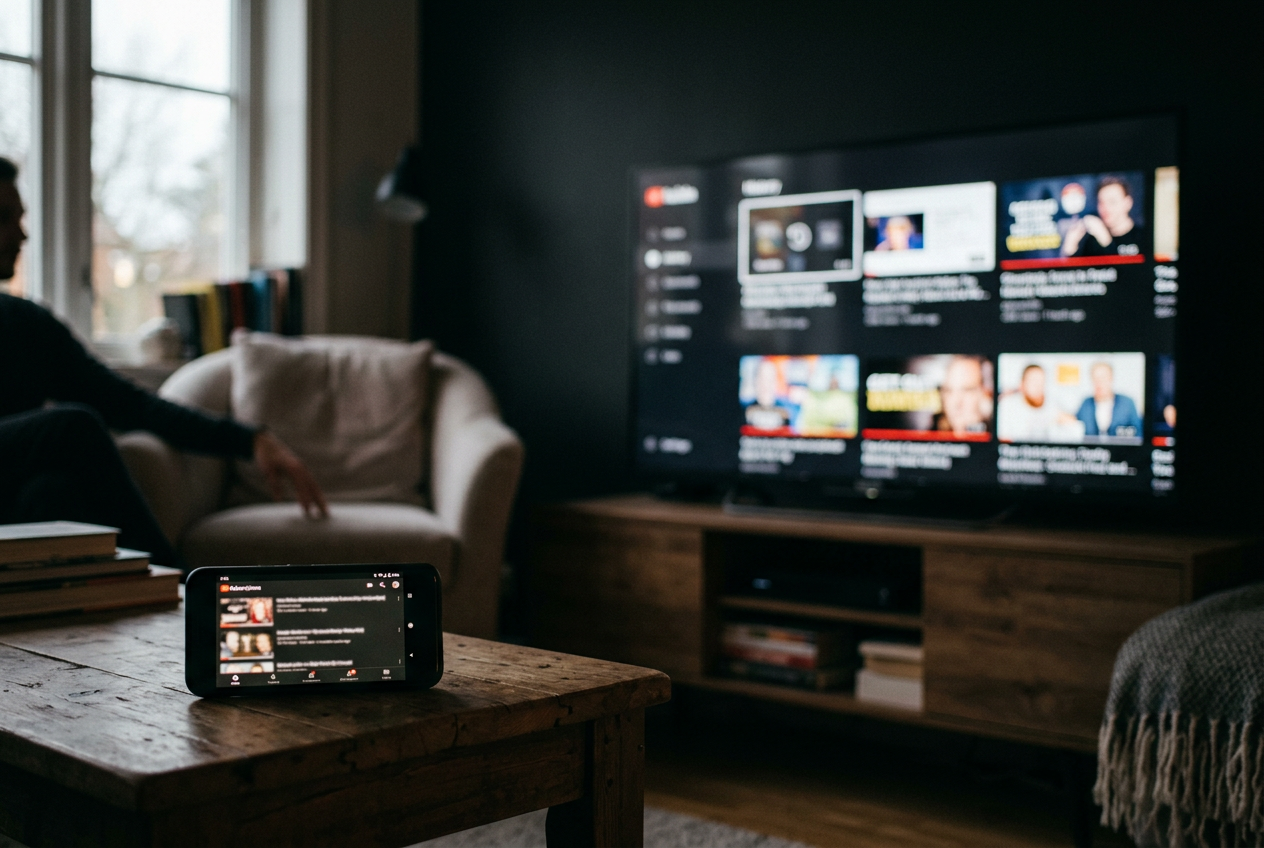
The concrete failure is familiar. On the night before a franchise opening, somebody watches an official teaser on a television. The next morning, YouTube Home presents a thumbnail with a red circle around a returning character and FINAL SCENE EXPLAINED stamped across the image. The video itself never needs to play.
The disclosure has already happened.
A pre-release cleanup can lower the odds of seeing that red-circled face. It takes about ten minutes, followed by a few days of more deliberate navigation. The frustrating part is that YouTube does not provide a native spoiler mode, a dependable keyword blocklist or a setting that hides thumbnails while keeping the rest of the app intact.
Start with the history that feeds Home
Watch history is a recommendation signal, meaning an action YouTube uses to infer which videos may keep you watching. If an account has recently played teaser reactions, casting speculation or ending breakdowns from an older installment, the system has good reason to serve more material from the same franchise. It cannot distinguish welcome analysis from a thumbnail you consider premature.
Open YouTube’s history controls through the app settings or the Google account activity page. Remove recent videos tied to the upcoming release, especially trailer reactions, theory videos and searches for the cast. Deleting one relevant cluster is less disruptive than wiping years of viewing, and it preserves recommendations for unrelated interests.
Search history matters too. A query for a movie title, post-credits scene or cameo can shape later suggestions even when the search results themselves were never opened. Remove those recent searches before release week. Then stop entering the title into YouTube, because cleaning the record while continuing to search for the same material sends the signal back.
Pausing watch history is the stronger move. YouTube may limit or remove personalized Home recommendations when an account lacks enough active history, although the exact presentation can vary by device and account. That blanker Home screen is useful here. It replaces an uncertain cleanup with a temporary refusal to feed the system more movie-related viewing behavior.
There is a cost. Pausing history also means videos watched during that period will not help personalize later recommendations, and finding a half-watched video can become less convenient. For a short theatrical window, that trade is manageable. Turn history back on after seeing the film, rather than leaving it paused and wondering weeks later why Home feels stale.
The red-circled face is most likely to appear when the account has spent days teaching YouTube that this franchise deserves priority. History cleanup does not erase every association, but it cuts the most obvious path between an official trailer and a rush of unofficial breakdowns.
Treat Home as the risky entrance
Even a cleaned account can receive topical recommendations. A major release generates uploads from entertainment channels, fan accounts and general news publishers, while viewing patterns across YouTube can make the subject broadly relevant beyond anyone’s individual history. Home therefore remains the least controllable place to enter the service.
During release week, bypass it. Open a saved link to the Subscriptions feed, a specific channel page or the Library area instead. On a television, where the app commonly opens on Home and fills the screen with large artwork, casting from a phone after selecting the video can reduce the time spent scanning recommendations.
Subscriptions are not spoiler-proof. A subscribed channel can still publish the offending thumbnail, and the feed may include Shorts whose opening frames reveal just as much. It is still a narrower route because the reader has chosen the publishers in view, rather than asking YouTube to assemble a personalized wall from adjacent interests.
Audit those subscriptions before the premiere. Channels built around ending explanations, frame-by-frame trailer analysis or franchise news are obvious temporary risks, even if their videos are thoughtful after release. YouTube does not offer a universal snooze button for a subscribed channel. Turning off notifications will stop alerts, but it will not remove that channel’s uploads from the Subscriptions feed.
Temporarily unsubscribing is the cleaner option when avoiding one image matters more than preserving the feed exactly as it was.
Direct links help with official material. If the aim is to watch one studio trailer, use the studio’s channel page or a link from its official site rather than searching the title inside YouTube. Search results mix official uploads with reactions and explainers, and their thumbnails can expose the very material the search was meant to avoid.
Use recommendation controls, but know their limits
On Home and Watch Next, the three-dot menu commonly offers “Not interested” and “Don’t recommend channel.” The first gives negative feedback, a signal that asks YouTube to reduce similar suggestions. The second tells the recommendation system to stop proposing that publisher in those surfaces.
Use “Not interested” on trailer breakdowns and speculation even when their current thumbnails are harmless. Select a reason when YouTube offers one, particularly if the video has already been watched. For publishers that repeatedly place late-film images in thumbnails, “Don’t recommend channel” sends the clearer instruction.
Neither control is a true block. “Don’t recommend channel” does not reliably erase a publisher from search results, external links or every area of YouTube, and blocking a user mainly limits interaction rather than preventing the account’s videos from appearing. The language can suggest a firmer wall than the product creates.
This distinction matters when that red-circled returning character comes from a channel previously marked “Don’t recommend.” The upload may still surface through search, a direct link or another recommendation context. These controls tune distribution. They do not create an account-level ban.
Also clear unwanted recommendations as they appear instead of opening them to inspect the title. A click made out of irritation still looks like interest at the level that matters. If the thumbnail already reveals too much, use its menu without playing the video.
Keyword choices help, but there is no native blocklist
YouTube has no dependable built-in setting where a viewer can enter a film title, character name or phrase such as “ending explained” and hide every matching video. Restricted Mode filters potentially mature material, not spoilers. Muting words on another social platform has no effect on YouTube recommendations.
Browser extensions can hide videos by title terms, channel names or other page elements on desktop. They may be useful for somebody who spends release week watching YouTube in a browser, but they are third-party tools that require access to page content, can break when YouTube changes its layout and generally do not protect the television or standard mobile apps. Check the developer, requested permissions and recent maintenance before installing one.
Without an extension, keyword discipline still reduces exposure. Do not search the exact movie title alongside “cameo,” “death,” “ending,” “credits” or a character name. Those terms lead directly into the most revealing part of the upload market, where creators compete to identify the twist quickly and display enough evidence to earn the click.
Use a direct source instead. Theater apps can provide showtimes without opening YouTube. A studio channel can provide the official trailer. A bookmarked film page can answer a runtime question without surrounding the answer with user-generated thumbnails.
The alternative costs a little intentional navigation, but no subscription fee and less attention than repairing recommendations after an evening of theory videos.
Close the routes outside the main feed
Notifications can carry thumbnails onto a lock screen before the YouTube app opens. Disable notifications for high-risk channels, or turn off YouTube notification previews at the operating-system level during the release window. Email digests can present similar imagery, so pausing YouTube emails is worth considering if they are enabled.
Private browsing is less protective than it sounds. An incognito window can keep a session from adding activity to the usual browser history, but logging into the same YouTube account restores the account’s subscriptions and recommendation context. Staying signed out creates more separation, although popular release-related videos may still appear because they are broadly trending.
Shorts deserve special caution. Their vertical feed moves immediately from one clip to the next, often with less time to read a title before footage starts. Avoiding the Shorts tab for a few days is more reliable than trying to train it away from one movie while continuing to swipe.
The practical setup is modest: clean recent movie-related history, pause it if the release matters enough, enter through Subscriptions or direct links, and temporarily remove publishers that package reveals as thumbnails. This will not make YouTube spoiler-free. It can keep the familiar red circle off the first screen long enough to reach the movie on your own terms.
Questions people ask
Can I block a movie title on YouTube?
YouTube does not offer a reliable native keyword blocklist for video titles or thumbnails. Some desktop browser extensions can filter specified words, but they usually do not cover television and mobile apps, and their effectiveness depends on YouTube’s changing page layout.
Does clearing
YouTube history stop spoiler recommendations?
It can reduce recommendations connected to recent trailer searches and franchise viewing, but it cannot remove every topical video. Broadly popular uploads, subscribed channels and search results may still display revealing thumbnails, so history cleanup works best with direct navigation away from Home.
Is
“Don’t recommend channel” the same as blocking it?
No. The control tells YouTube not to recommend that publisher in certain feeds, but the channel may still appear in search results, external links or other parts of the service. Blocking a user also does not function as a universal video filter.
Should
I pause watch history before a major release?
Pause it if avoiding spoilers matters more than keeping recommendations and viewing progress fully current for a few days. Resume history after watching the movie; until then, use direct channel links or Subscriptions and avoid searches that pair the title with plot-specific terms.
One update a day
Today's review, in your inbox
One review each morning — no hype, no filler, just what is worth watching.